

.agentignore
.agentignore defines workspace path permissions for Dline. Path patterns use .gitignore syntax, and you can append permission attributes to a line to restrict scanning, reading, writing, and execution independently.
File location
Section titled “File location”Create .agentignore in the workspace root. Dline also accepts .dlineignore and .clineignore; it checks .agentignore → .dlineignore → .clineignore and uses only the first file that exists.
.agentignorefiles in subdirectories are not read.- Creating, editing, or deleting the file is detected automatically and takes effect immediately.
- Use
!include <file>to pull in rules from another file. Changes to an included file are not detected automatically; save.agentignoreagain to apply them.
Example
Section titled “Example”# Hide large generated trees from scans; named files stay readablecoverage/ -s.next/ -s*.map -s
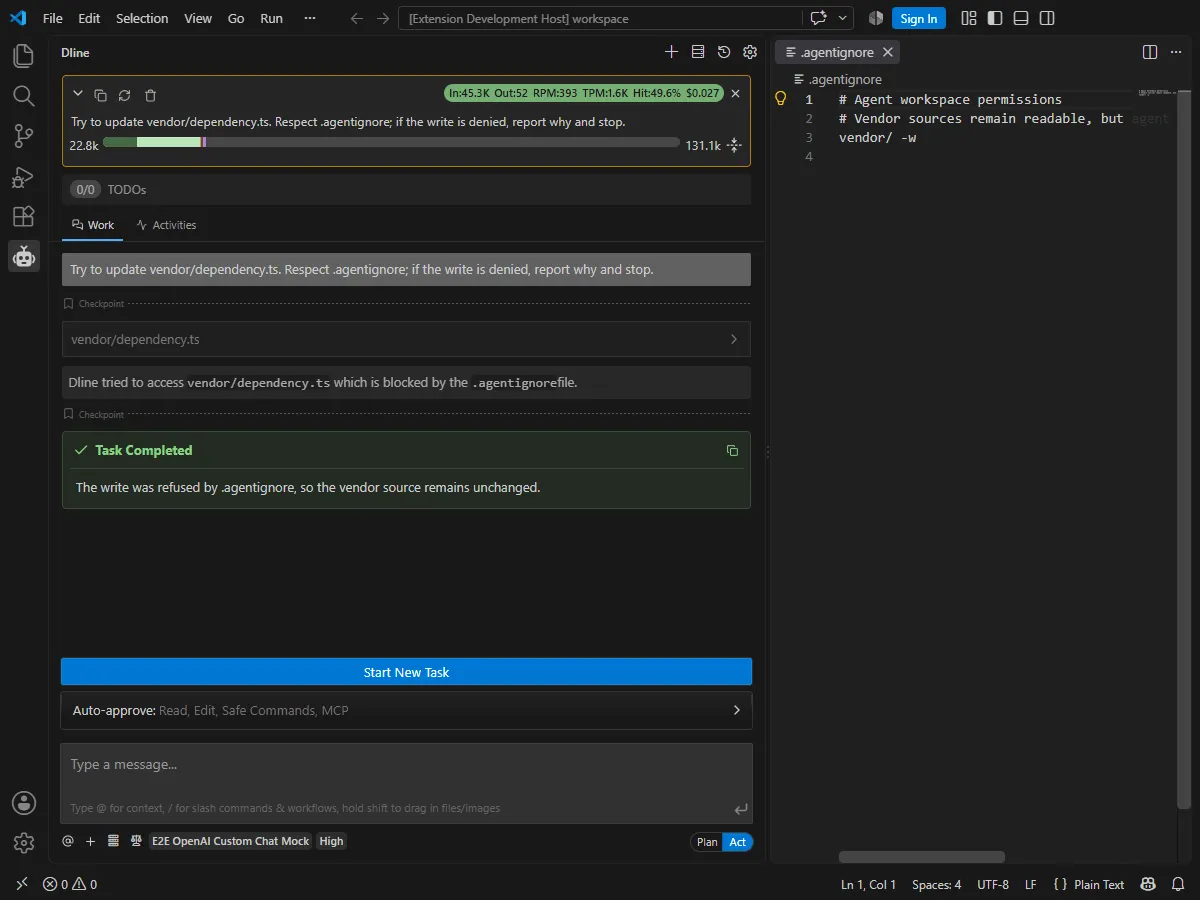
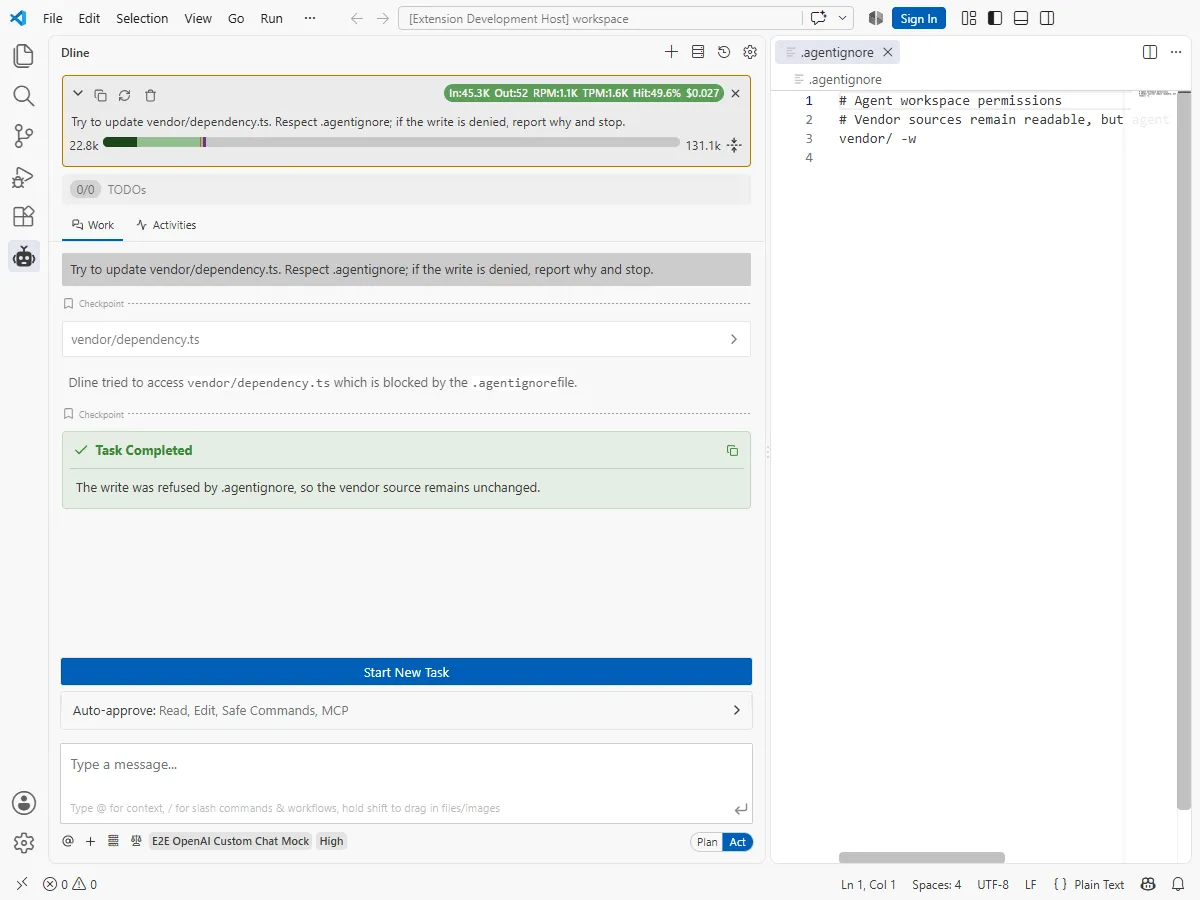
# Allow reading vendored code but prevent editsvendor/ -w
# Prevent untrusted directories from being used as a command working directoryscripts/untrusted/ -x
# A rule without attributes blocks scan, read, write, and execute.env.env.*secrets/Rule syntax
Section titled “Rule syntax”| Rule | Effect |
|---|---|
secrets/ | Deny scan, read, write, and execute |
generated/ -s | Hide from scans and listings; files named by path remain readable and writable |
vendor/ -w | Allow reads, deny writes |
scripts/untrusted/ -x | Deny using the path as a command working directory |
private/ -r | Deny reads; other permissions unchanged |
build/ -sw | Deny scan and write; attributes can be combined |
!audit.log -s | Re-allow scanning a path excluded earlier |
The attribute letters are r (read), w (write), x (execute), and s (scan). Write them separately (-s -w) or together (-sw). Blank lines and lines starting with # are ignored.
Relationship to .gitignore and built-in exclusions
Section titled “Relationship to .gitignore and built-in exclusions”During broad scans, such as listing directories or searching files, Dline skips paths in .gitignore and the built-in .git, node_modules, dist, build, out, and tmp directories. This skipping only reduces scan cost; it does not stop reads or writes of a path named directly. A separate built-in rule always denies writes inside .git/.
Restrictions in .agentignore are permissions: even when a task names a restricted path directly, the read, write, and search tools refuse access. The active ignore file itself is also protected, so Dline cannot read or modify it.
When access is blocked
Section titled “When access is blocked”- When a read, write, or execution is denied, the chat shows “Dline tried to access
<path>which is blocked by the .agentignore file.” The model receives a matching error and is told to continue without that file. - In directory listings, paths that cannot be read are marked with 🔒.
- Searching a path restricted with
-sdirectly is refused.
Relationship to checkpoints
Section titled “Relationship to checkpoints”Checkpoints follow only .gitignore and the built-in exclusions. The permission rules in .agentignore do not affect them.